
Compress, number or convert many files in one go
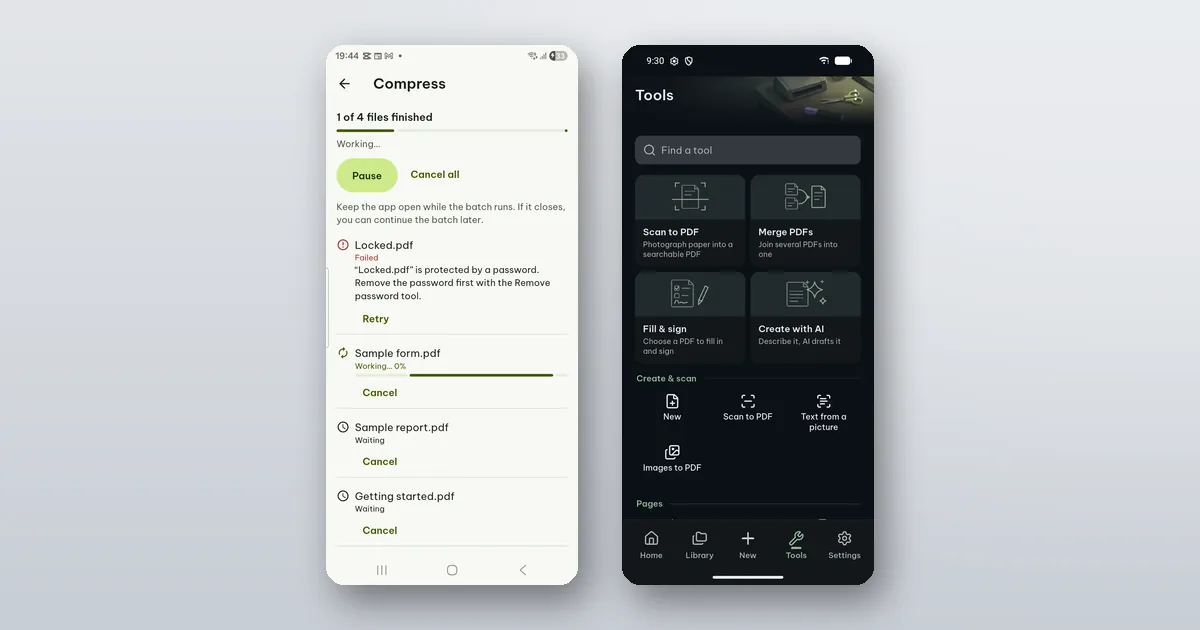
Tools › Batch runs one tool on many files at once: pick the tool, add the files, set the options once, tap Start batch. It takes up to 300 files, needs Pro, and never changes your originals.
It is for the jobs that are easy once and tedious forty times: a folder of scans that are all too big to send, a term's worth of handouts that need page numbers, a set of contracts that need a "Draft" watermark before they go out.
Which tools it runs
Batch works with eleven tools:
- Convert to PDF, Compress PDF, Merge PDFs;
- Watermark, Page numbers;
- Remove metadata, Flatten, Add password;
- Searchable PDF (text recognition);
- PDF to images, PDF to text.
Tools where you decide something on each page, such as redacting or signing, are not in the list. Those you do one file at a time.
Setting it up
- Tools › Batch › Choose a tool.
- Tap Add from library or Add from this device. Drag the handle next to a file to change the order, which matters for Merge PDFs.
- Set the options once, as you would for one file.
- Use Add to the start of each file name if you want the new files easy to tell apart, for example "small-" or "draft-".
- Tap Start batch.
While it runs
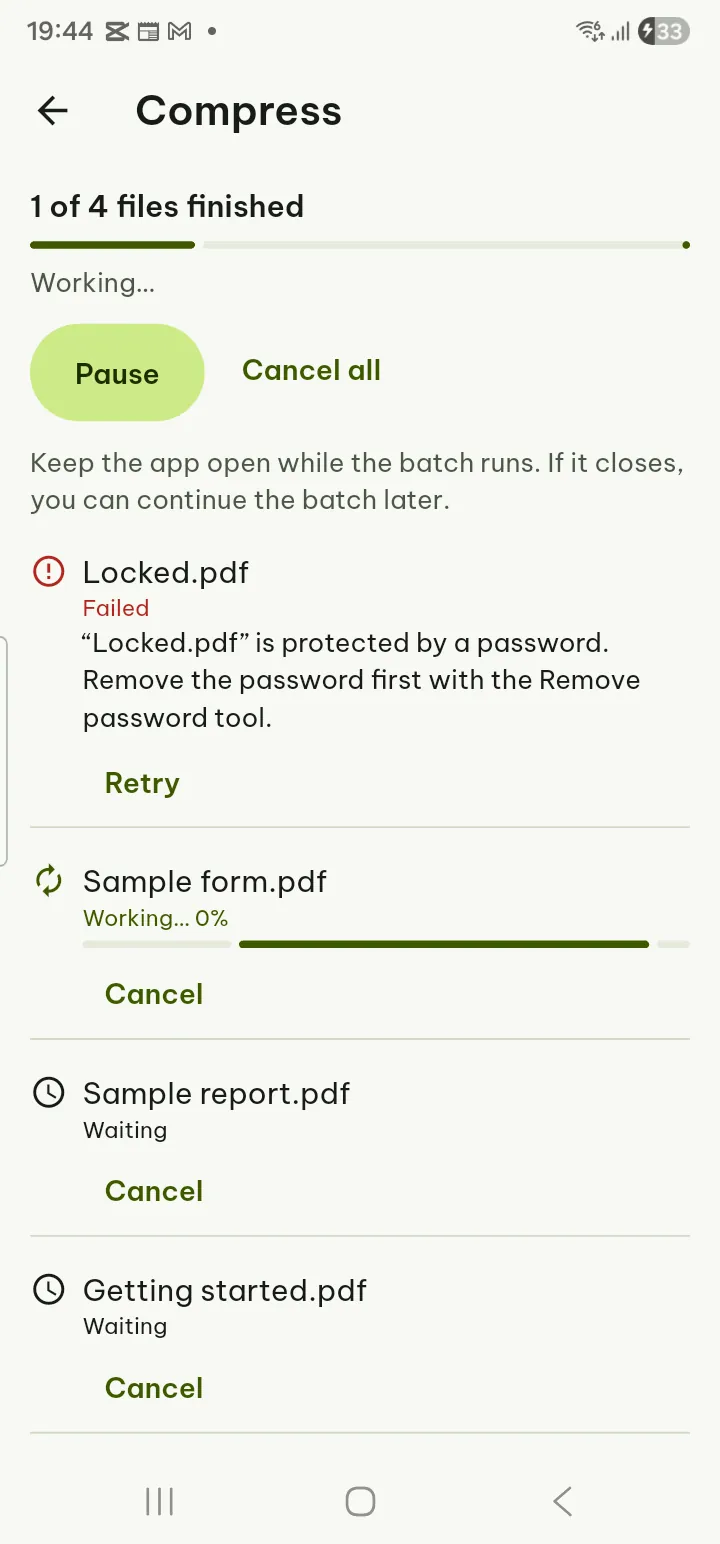
You can Pause, Resume or Cancel all. Keep the app open while it works.
It also pauses by itself in two cases. On low battery it waits and continues when the phone is charging. When storage is full, free some space and tap Resume.
If the app was closed in the middle anyway, the Tools tab offers Continue the batch or Discard the batch the next time. One thing you have to redo: a password you typed for Add password is not kept, so type it again.
When it is done
The new files are in your library. Share all as zip sends them in one go, and Save all as .zip puts them in a folder of your phone.
Files that did not work are not hidden in the count. Files that need attention says what went wrong with each one, for example a file with a password or a PDF whose author does not allow changes, and Retry failed files runs only those again once you have fixed them.
Is it worth it for three files
Usually not. Each tool on its own is free or Pro as listed on the Pro page, and running it three times is quick. Batch earns its place when the list is long enough that you would lose track of which ones you have done.
The steps are in the guide under Batch.